Wake your PC
from your couch
The most reliable and secure way to power on your PC remotely from your iPhone.
Free • No account required • Works on local network
Why Wake PC?
Unlike TeamViewer, AnyDesk, or Chrome Remote Desktop
Lightning Fast
Direct Wake-on-LAN packets. No cloud relay, no lag. Commands execute instantly on your local network.
100% Private
Everything stays on YOUR network. No data sent to servers. No accounts. No tracking. Your privacy is guaranteed.
Auto Configuration
Agent automatically configures Firewall, Wake-on-LAN, and system settings. Just click "Fix" and you're done!
Free to Start
Core Wake-on-LAN feature FREE FOREVER. Upgrade to Premium for more features at $1.99/month with 3-day free trial.
Native iOS Experience
Built with SwiftUI. Feels like a true iOS app. Beautiful themes, haptic feedback, smooth animations.
19 Languages
Available in English, Russian, Ukrainian, German, French, Spanish, Japanese, Chinese, and 11 more languages.
30-Second Setup
Scan QR code with your iPhone camera — all settings configured automatically. No manual IP or MAC entry needed.
Auto Updates
Agent checks for updates automatically. Always have the latest features and security improvements.
No Cloud Required
Works completely offline. No internet needed, just your local WiFi. No subscriptions for basic features.
Everything you need
Powerful features in a beautiful package
Wake-on-LAN
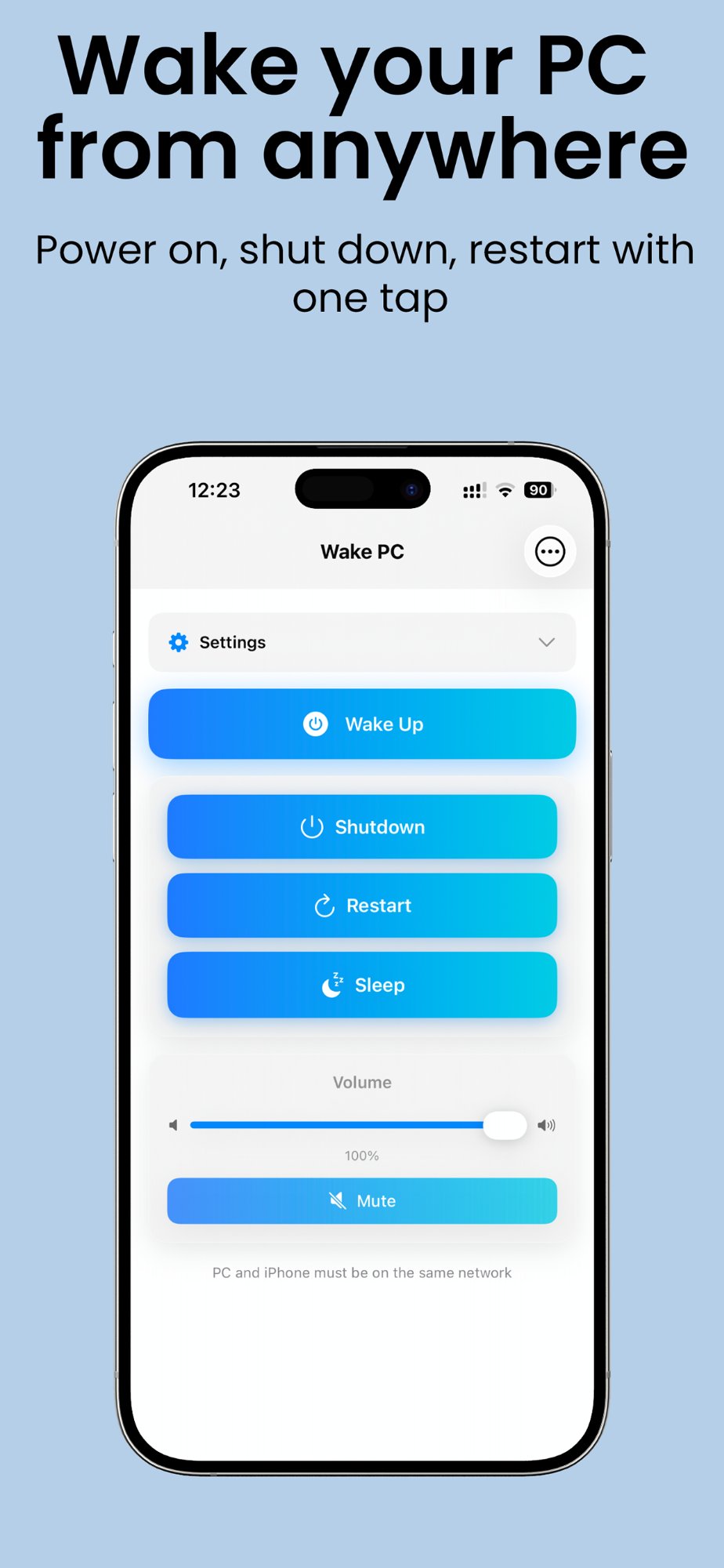
Turn on your PC remotely from anywhere in your home. Works even when PC is completely off.
Power Management
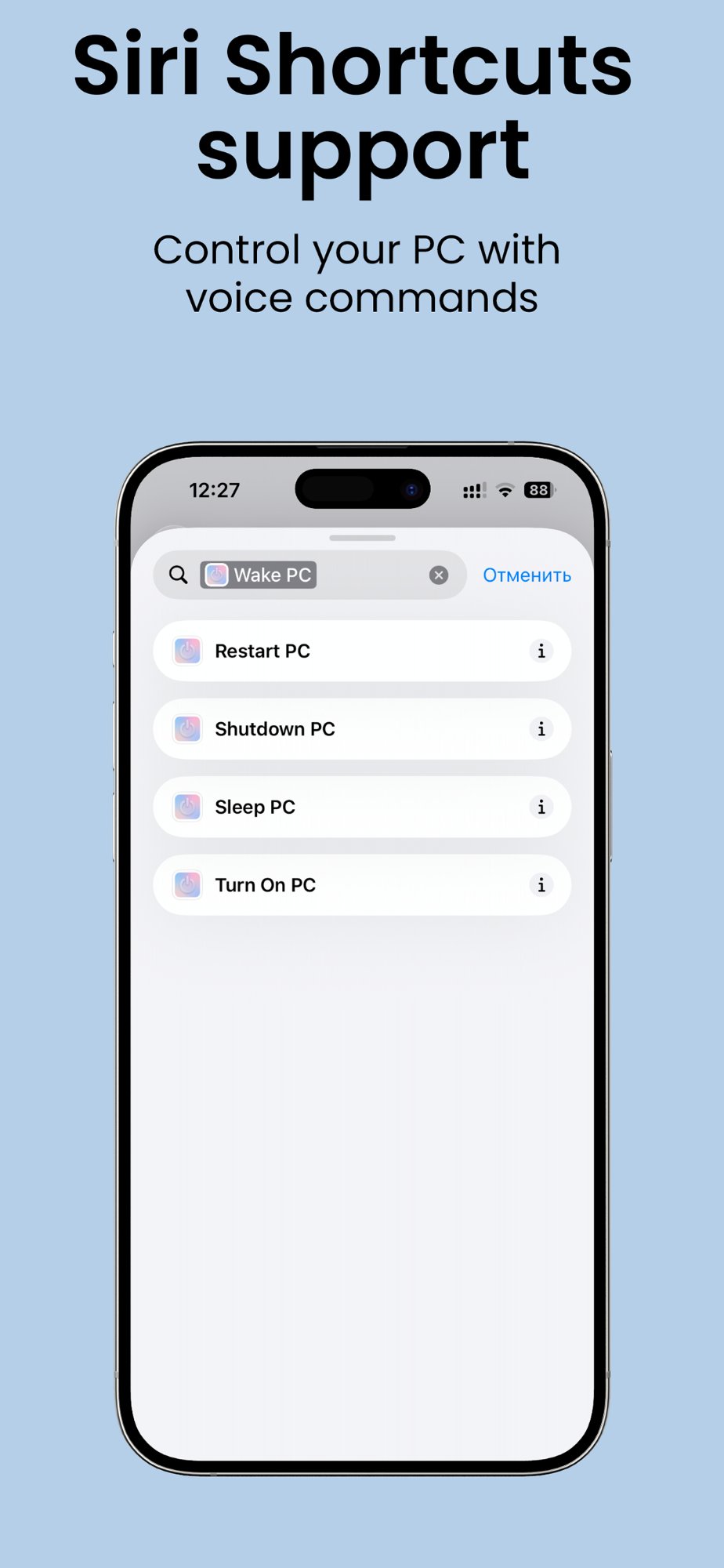
Shutdown, restart, sleep, or hibernate with one tap.
Volume Control
Smooth slider, mute button, and ±5% quick adjustments.
Scheduled Actions
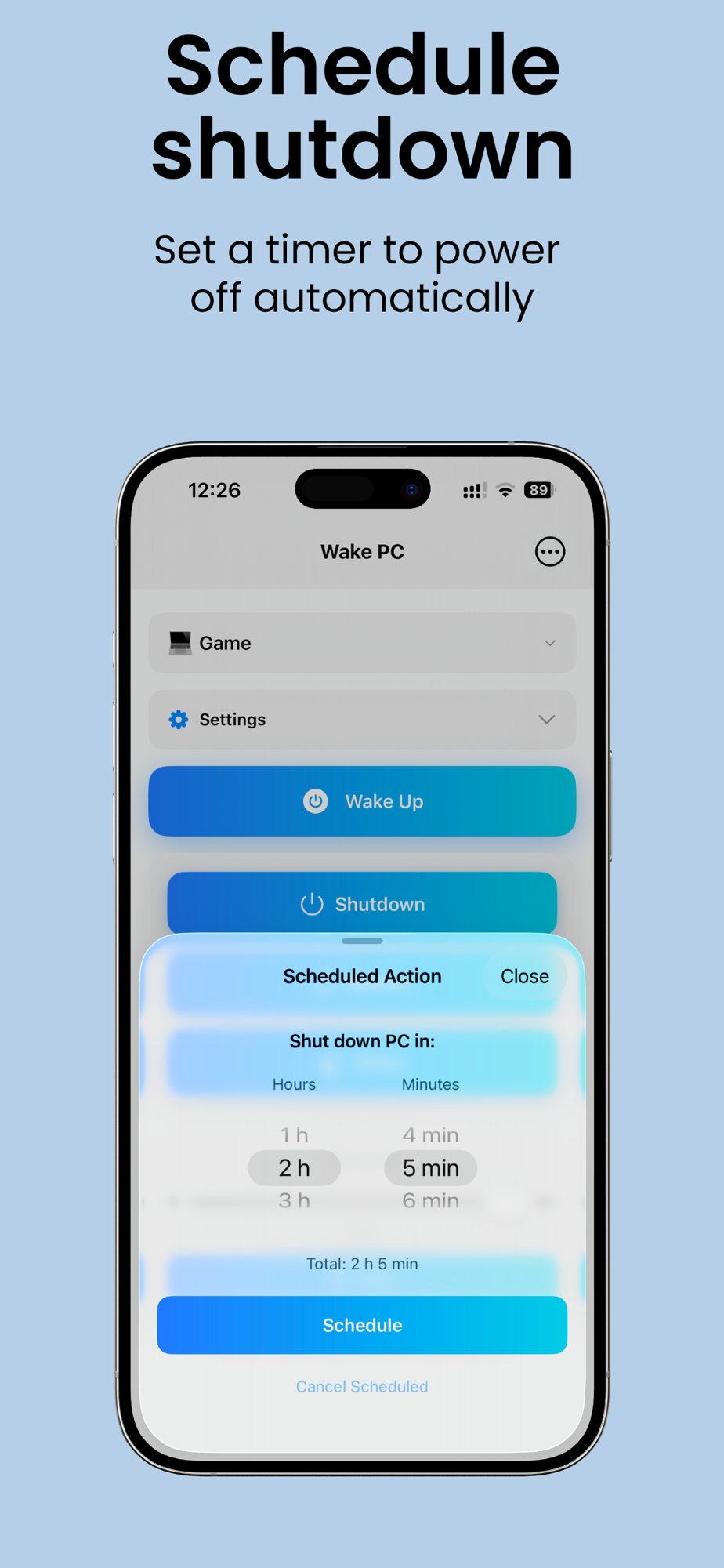
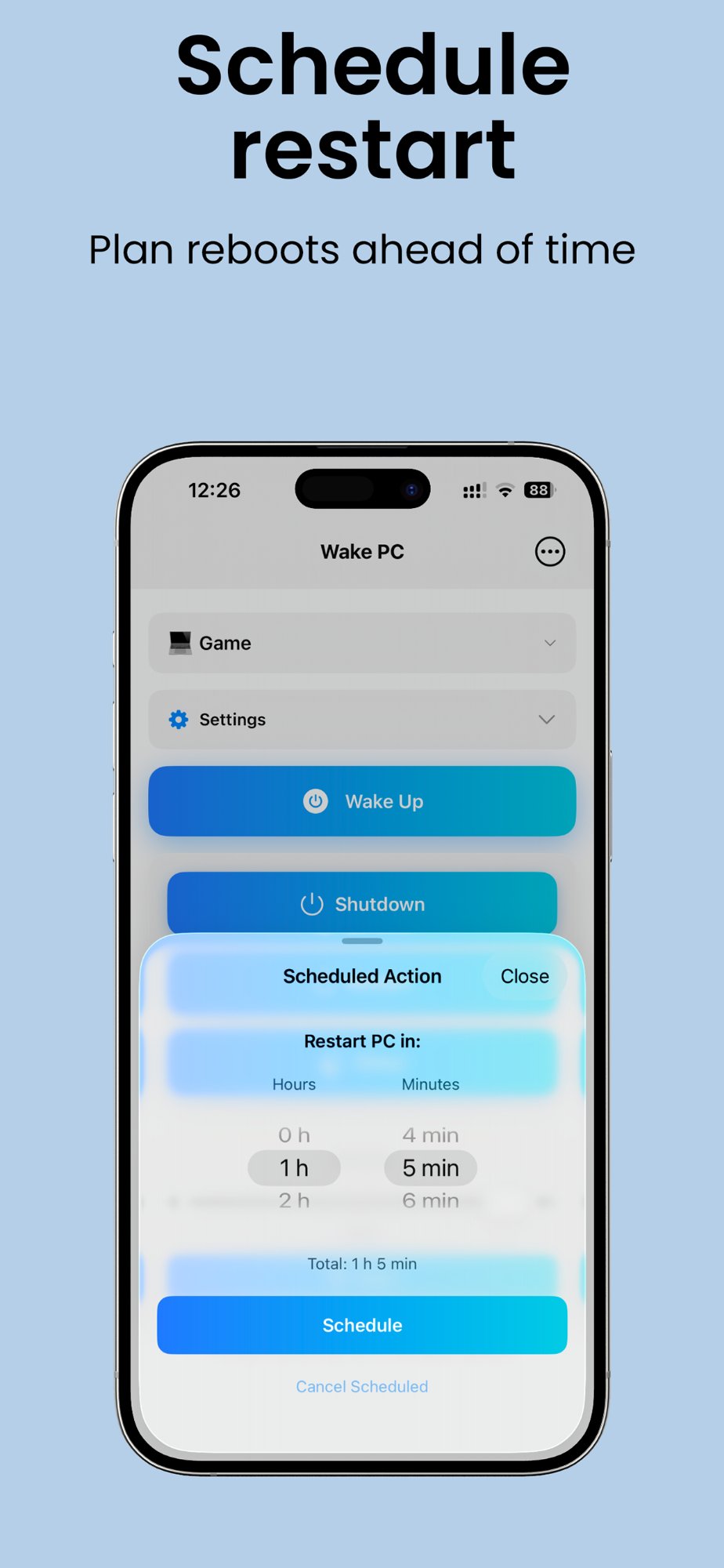
Schedule shutdown or restart in X hours and minutes. Perfect for downloads!
Multiple PCs
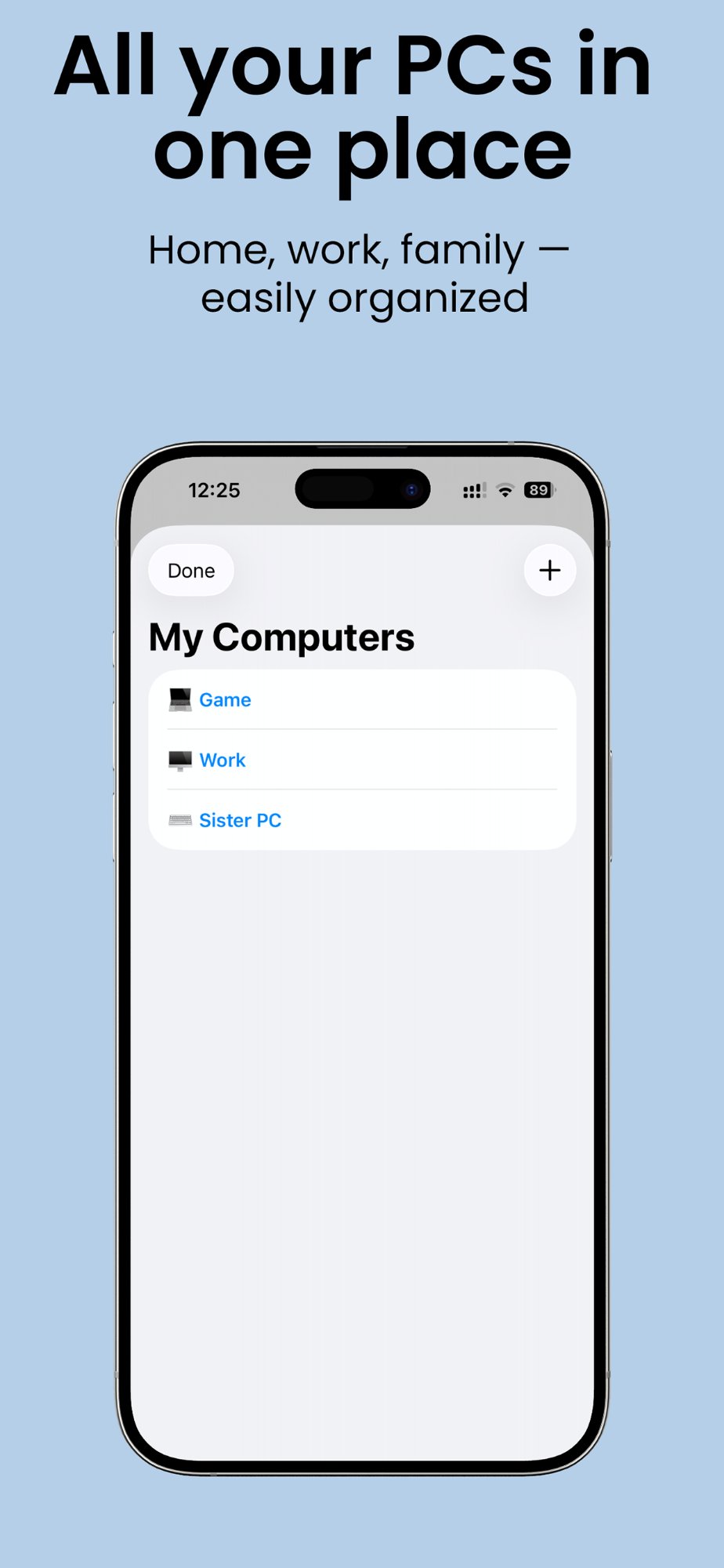
Manage unlimited computers with custom names and icons.
19 Beautiful Themes
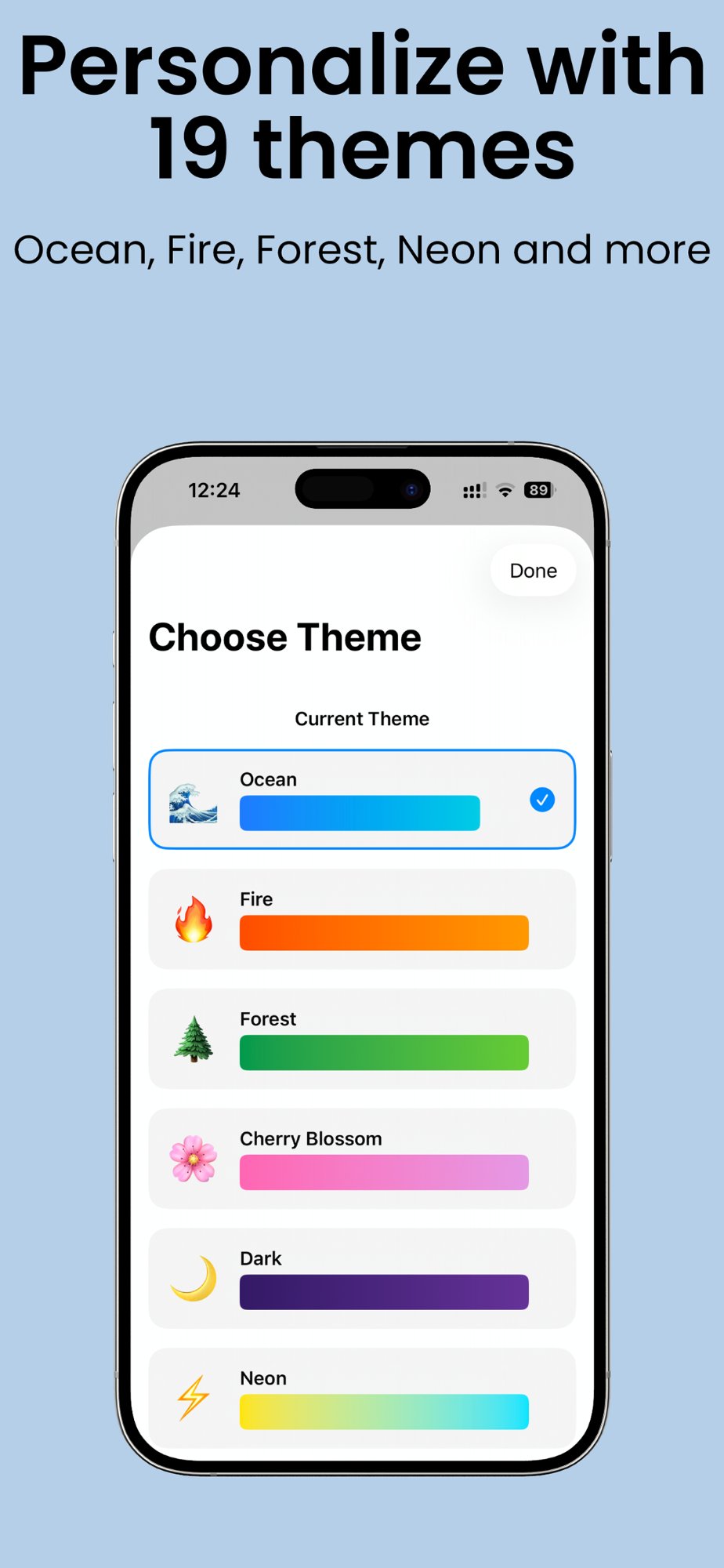
Ocean, Sunset, Neon, Galaxy, Sakura, and 14 more stunning themes.

Simple, transparent pricing
Start free, upgrade when you need more
Basic
Perfect for single PC users
- ✅ Wake-on-LAN (turn on PC)
- ✅ 1 computer profile
- ✅ Ocean theme
- ✅ QR code setup
Premium
Full control of all your computers
- ✅ Everything in Basic
- ✅ Shutdown, Restart, Sleep
- ✅ Volume control + mute
- ✅ Scheduled shutdown/restart
- ✅ Unlimited computers
- ✅ All 19 beautiful themes
Cancel anytime • $24.99 $11.99/year — save 50%
Beautiful design, powerful features
Get started in 3 easy steps
Download the app
Get Wake PC from the App Store
Install Windows Agent
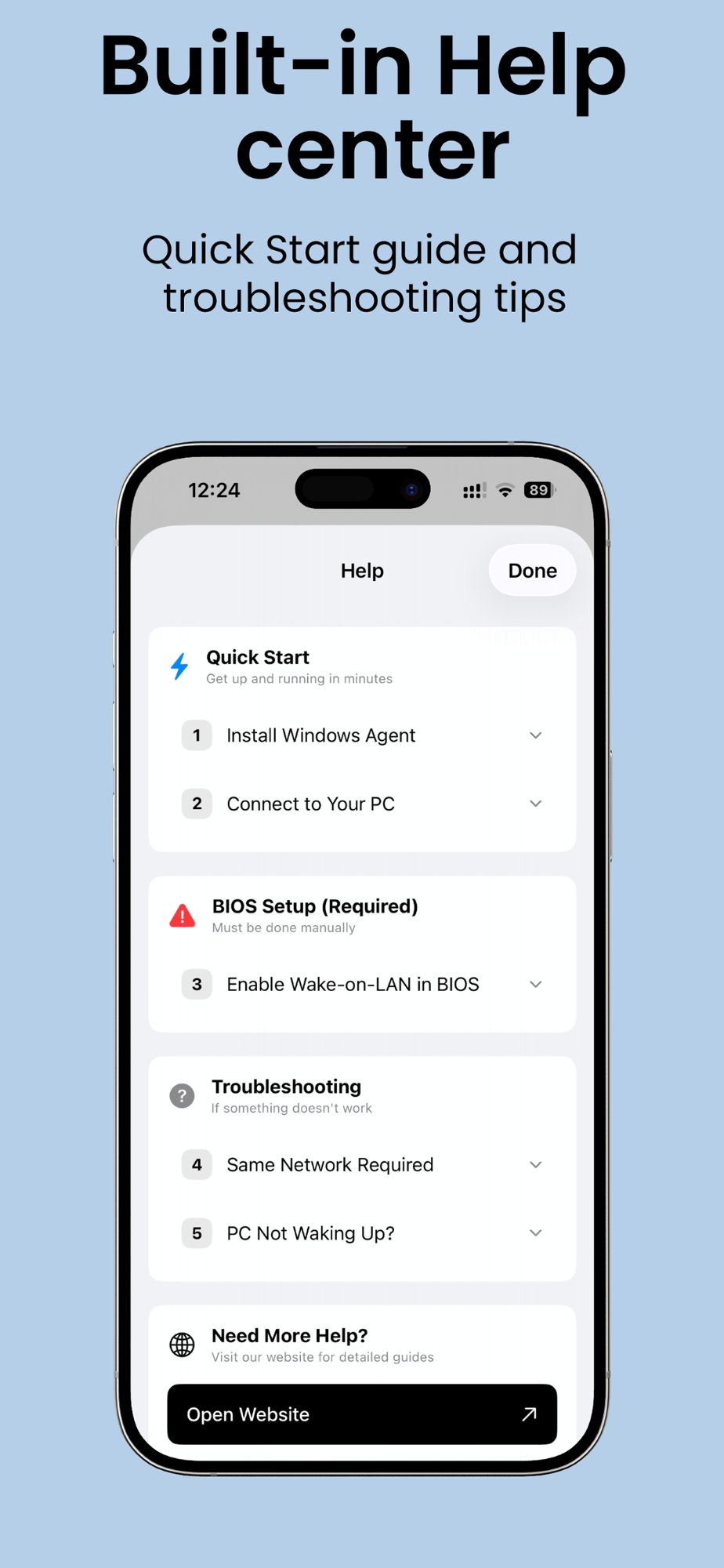
Download installer and run. Agent automatically configures Firewall, Network, and everything else!
Download AgentScan QR & Done!
Open the app, scan QR code from the agent — all settings apply automatically. That's it!